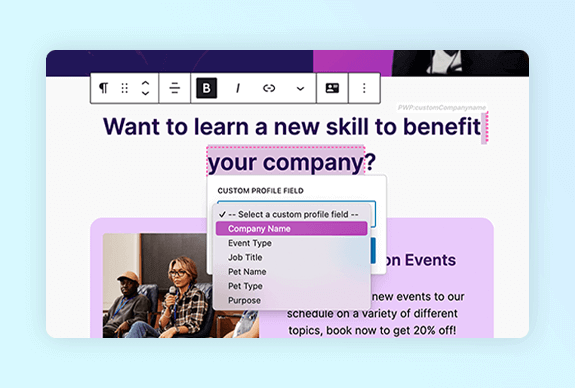
PersonalizeWP v3.4 introduces deep integration with Teams for WooCommerce Memberships, enhanced page tracking capabilities and smarter URL matching for segments and scoring rules, giving you even more powerful ways to personalise your WordPress site.
PersonalizeWP v3.4: WooCommerce Teams Integration, Enhanced Tracking & Smarter Segmentation

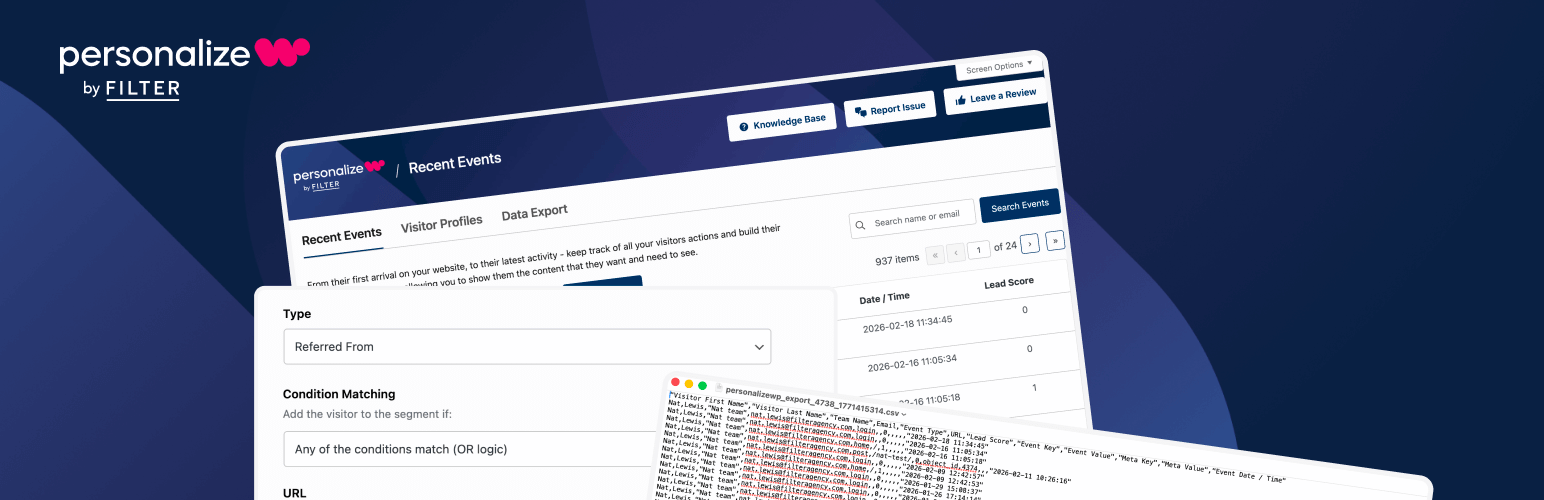
Whether you’re managing team-based memberships, tracking complex visitor journeys, or building sophisticated scoring models, our latest release of PersonalizeWP delivers the tools you need to create personalised experiences that truly reflect how your visitors interact with your site.
Get ready to explore how PersonalizeWP v3.4 can transform the way you manage teams, track behaviour and segment your audience. Let’s dive into the exciting new features!
What’s New in PersonalizeWP v3.4?
This release introduces our powerful new integration with Teams for WooCommerce Memberships, bringing team-level visibility across your entire PersonalizeWP admin. We’ve also enhanced the JavaScript tracking module, improved data exports and added regex support for URL-based segmentation. Plus, a seamless migration script ensures existing visitor profiles are automatically updated with the correct team data on upgrade.
NEW: Teams for WooCommerce Memberships Integration
Our biggest feature in v3.4 is a comprehensive integration with Teams for WooCommerce Memberships, extending PersonalizeWP’s admin to give you full visibility of team-based activity across your site.
If your site uses WooCommerce Memberships with the Teams extension, this integration opens up an entirely new dimension of personalisation and reporting. Team data is woven throughout the PersonalizeWP admin, so you can see, filter and export everything at the team level.
Key Features:
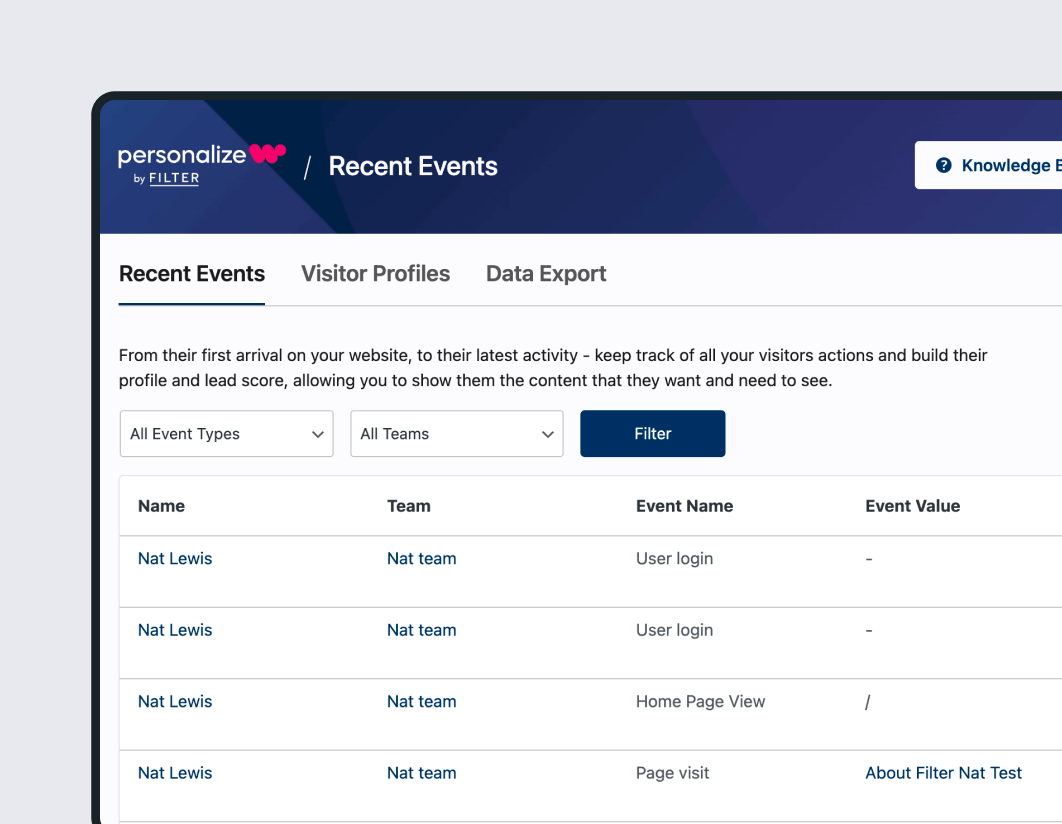
- Team Profile Screen – A dedicated new screen in Visitor Profiles that displays all event activity for members of a specific team. View events in date-descending order with visitor name, team, event name, event value, date/time and lead score, with filtering by visitor and event type, plus search by name or email
- Teams on Visitor Profiles – The Visitor Profiles list now includes a Team column and a team filter, making it easy to see which team each visitor belongs to and drill down to a specific team’s members
- Teams on Recent Events – The Recent Events screen now displays a Team column alongside each event, with a team filter to quickly isolate activity from a specific group
- Teams on Single Visitor Profile – Individual visitor profiles now show which team the visitor belongs to, with a direct link through to the team’s profile screen
- Team Data Export – Export event data filtered by team, with the CSV including visitor name, team name, event type, event value and date/time
When upgrading to PersonalizeWP v3.4, a migration script runs automatically in the background via Action Scheduler to backfill team data onto all existing visitor profiles.
If your site uses Teams for WooCommerce Memberships, this means every existing visitor profile will be updated with the correct team association – no manual action required.
NEW: Enhanced JavaScript Tracking with Meta Data Support
PersonalizeWP v3.4 introduces significant enhancements to the JavaScript tracking module, giving developers far more control over how page views are recorded and what data is captured alongside them.
Previously, the built-in TrackPage event sent a fixed data set back to PersonalizeWP – page type, ID and little else. If you wanted to capture additional meta data on a page view (such as product category, content tags, or custom attributes), you’d need to duplicate the entire TrackPage call as a custom event, resulting in redundant database entries.
Now, using the personalizewp_get_tracking_variables PHP filter, you can customise the event name used for standard TrackPage calls. And with new JavaScript addFilter hooks (using @wordpress/hooks as a dependency), you can attach additional meta data to any page view – just like you already can with custom TrackEvent calls.
Key Features:
- Customise the event type name for standard page view tracking via PHP filter
- Attach additional meta data to page views using JavaScript filter hooks
- Fully backwards compatible – without any customisation, tracking behaves exactly as before
ENHANCED: Data Export with Additional Fields
Based on user feedback, we’ve expanded the data export to include three additional fields that were previously missing:
- Email address – The visitor’s email, when known
- URL – The URL the activity was recorded against
- Lead score – The lead score value associated with the activity
These additions mean your exports now contain a much more complete picture of visitor behaviour, making them immediately useful for analysis in external tools or for sharing with stakeholders.
ENHANCED: Regex Support for Visited Page Segments and Scoring Rules
Setting up “Visited Page” conditions for Segments and Scoring Rules just got a lot more flexible.
Previously, when using the URL text input (rather than the page/post autocomplete), URLs needed to match exactly. This worked well for static pages like the homepage, but fell short for dynamic URLs – think WooCommerce order confirmation pages with unique order IDs and keys.
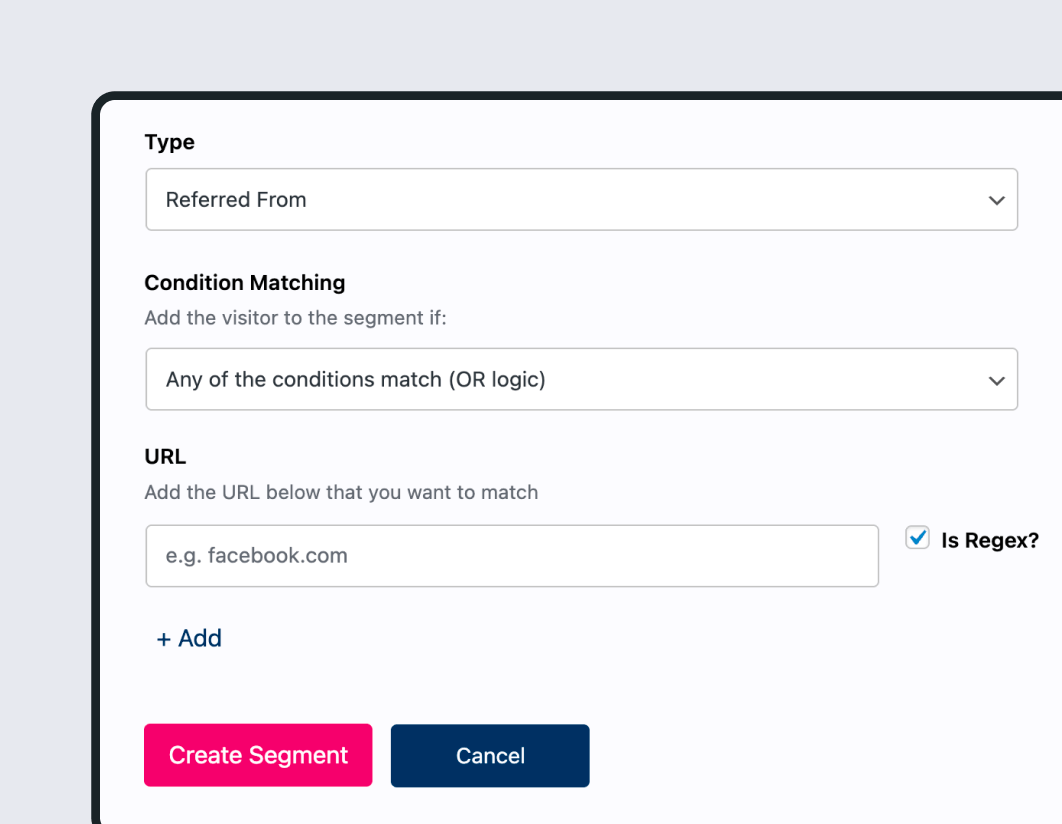
PersonalizeWP v3.4 now allows you to use regex patterns in URL fields, matching the same approach already used by the Referrer condition type. This means you can create segments and scoring rules that match against partial URLs, URL patterns, or complex dynamic paths.
Use cases include:
- Post-purchase engagement: Create a segment for visitors who have reached any order confirmation page, regardless of the unique order ID in the URL
- Section-based scoring: Award lead score points for visiting any page within a specific URL path, such as
/resources/or/pricing/ - Dynamic content matching: Build segments based on URL query parameters or path patterns that change per visitor
Unlock the Full Potential of PersonalizeWP v3.4
To take full advantage of the Teams integration, enhanced tracking and smarter segmentation, download the latest version, which includes advanced tools like visitor profiles, lead scoring, and audience segmentation. Not sure if it’s for you? Try an instant demo right in your browser.
For detailed guidance on implementing these new features, check out our knowledge base, where you’ll find step-by-step tutorials and real-world examples to help you get the most out of PersonalizeWP.