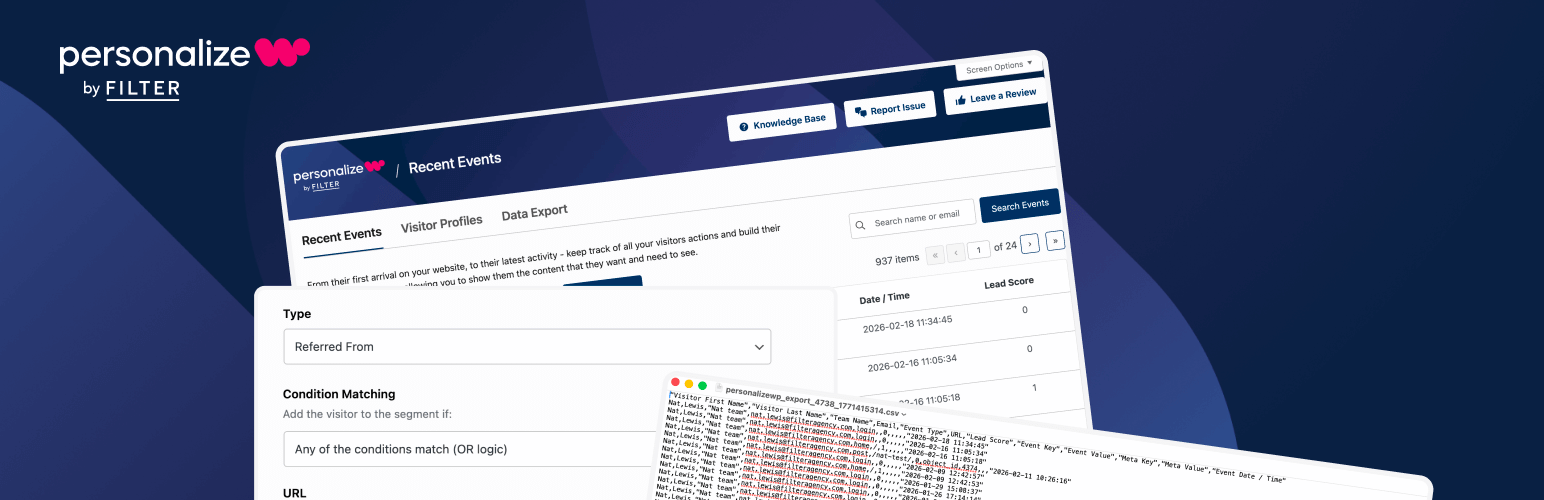
PersonalizeWP v3.5: Region-Level Geo-Location, Smarter Data Exports & UI Improvements
PersonalizeWP v3.5 introduces a completely rebuilt geo-location service with region-level targeting, a more robust data export system built for scale, and a range of UI and quality-of-life improvements across the plugin.
Whether you’re targeting visitors by country and region, exporting large volumes of activity data, or simply navigating the plugin settings, our latest release of PersonalizeWP delivers meaningful improvements across the board.
The headline feature in v3.5 is our new geo-location service, which brings a smarter, more maintainable approach to location data alongside a powerful new rule condition for targeting visitors at the state or region level. Let’s take a closer look at the features in this release.
What’s New in PersonalizeWP v3.5?
This release rebuilds geo-location from the ground up with a dynamic, self-updating database service, adds a new rule condition for state and region-level targeting, overhauls the data export feature for better performance at scale, and introduces privacy controls for anonymous user data in exports.
We’ve also refined the settings UI, improved internationalisation support, and fixed a handful of bugs.
NEW: Dynamic Geo-Location Service
PersonalizeWP has always supported location-based personalisation, but previous versions relied on a static database bundled with the plugin. That database was fixed at the point of release, meaning location data could become outdated between plugin updates, and it added unnecessary weight to the plugin package itself.
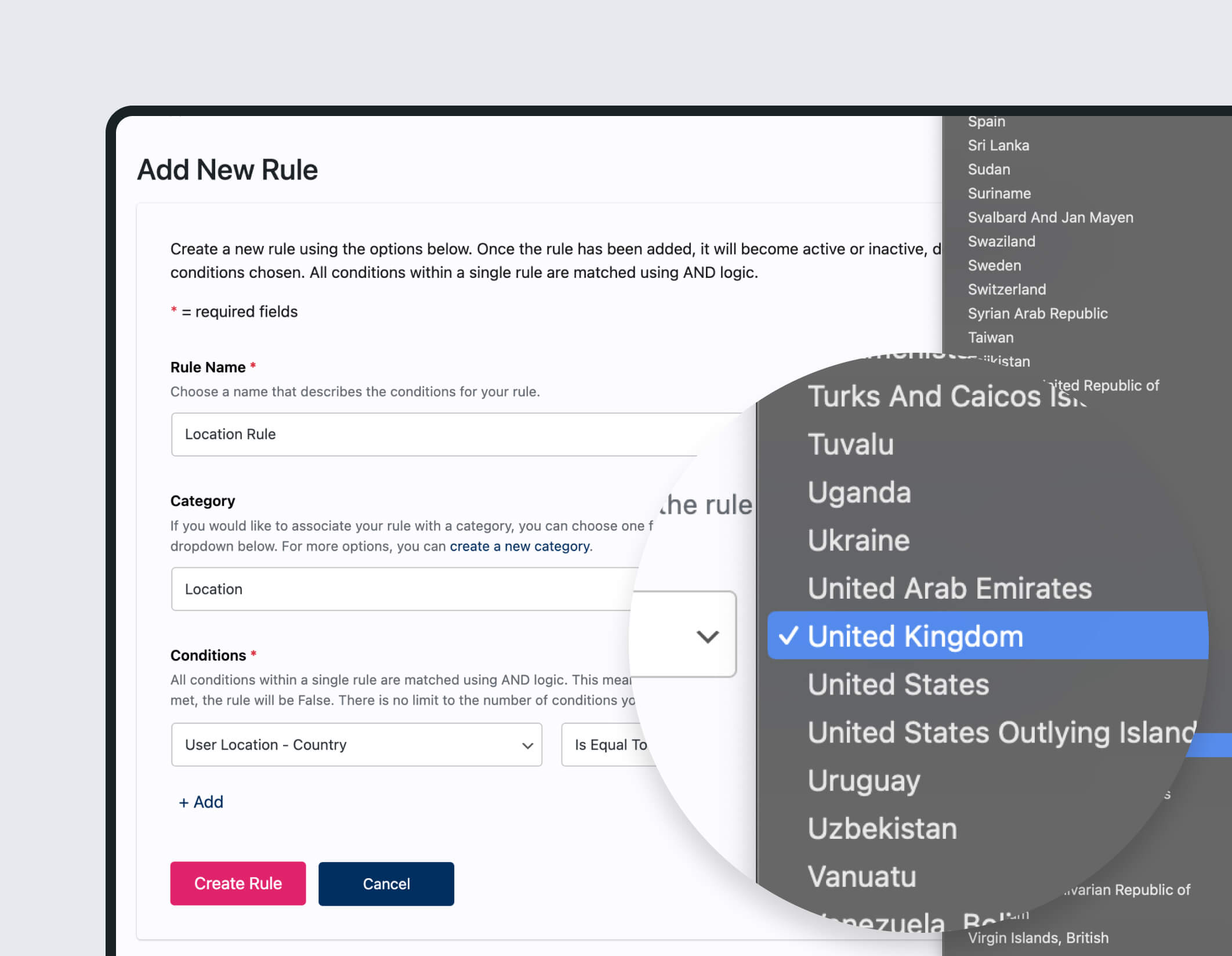
v3.5 replaces this entirely with a new dynamic geo-location service. Rather than shipping a pre-built database, PersonalizeWP now downloads and maintains its own location database automatically. The database is kept up to date in the background, so you always have accurate country and region data without waiting for a plugin update.
This is a significant architectural improvement. It means smaller plugin downloads, fresher data, and one less thing to think about when managing your site.
NEW: State and Region-Level Targeting
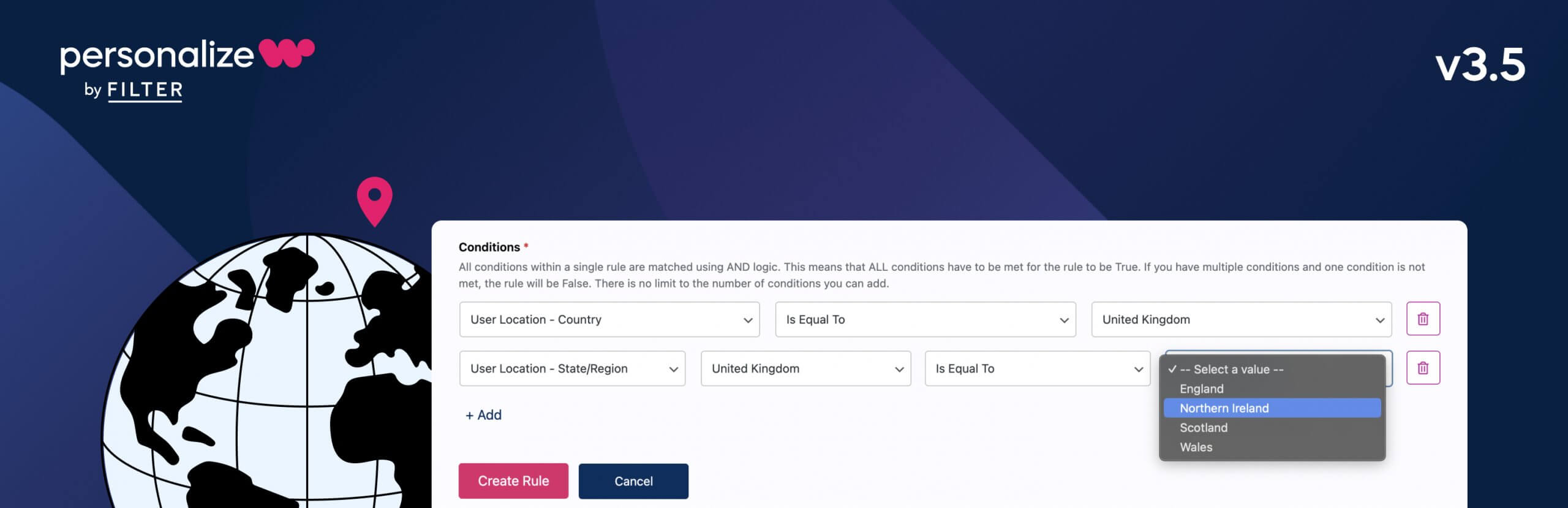
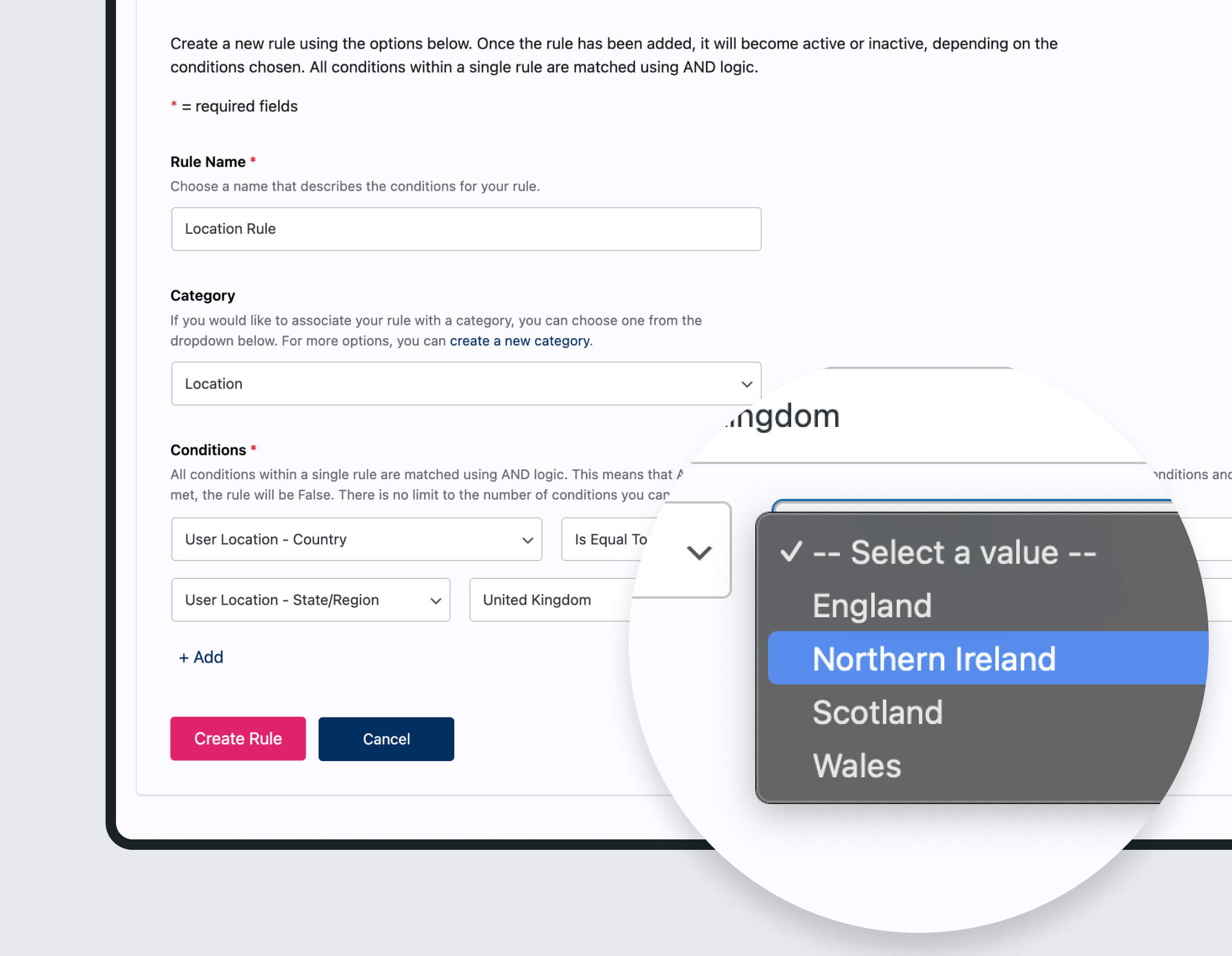
Building on the new geo-location service, v3.5 introduces a new rule condition that lets you target visitors based on their state or region within a country.
Previously, location-based rules in PersonalizeWP worked at the country level. That’s fine for broad regional campaigns, but it doesn’t help when you need to tailor content for visitors in specific states, provinces, or regions within a single country.
With this new condition, you can now create display rules that target visitors in, for example, California rather than just the United States, or Bavaria rather than just Germany.
Use cases include:
Regional promotions – Show location-specific offers, pricing, or shipping information based on a visitor’s state or region
Compliance and legal content – Display region-specific terms, disclaimers, or regulatory information where local laws require it
Localised messaging – Tailor CTAs, testimonials, or case studies to reference the visitor’s own region, making content feel more relevant and personal
Event and branch targeting – Promote local events, store openings, or branch-specific services to visitors in the right area
ENHANCED: Rebuilt Data Export for Large Datasets
If you’ve been working with PersonalizeWP on a high-traffic site, you may have encountered limitations when exporting large datasets.
The previous export mechanism wasn’t designed for the volumes that some sites now generate, which could lead to timeouts or incomplete exports.
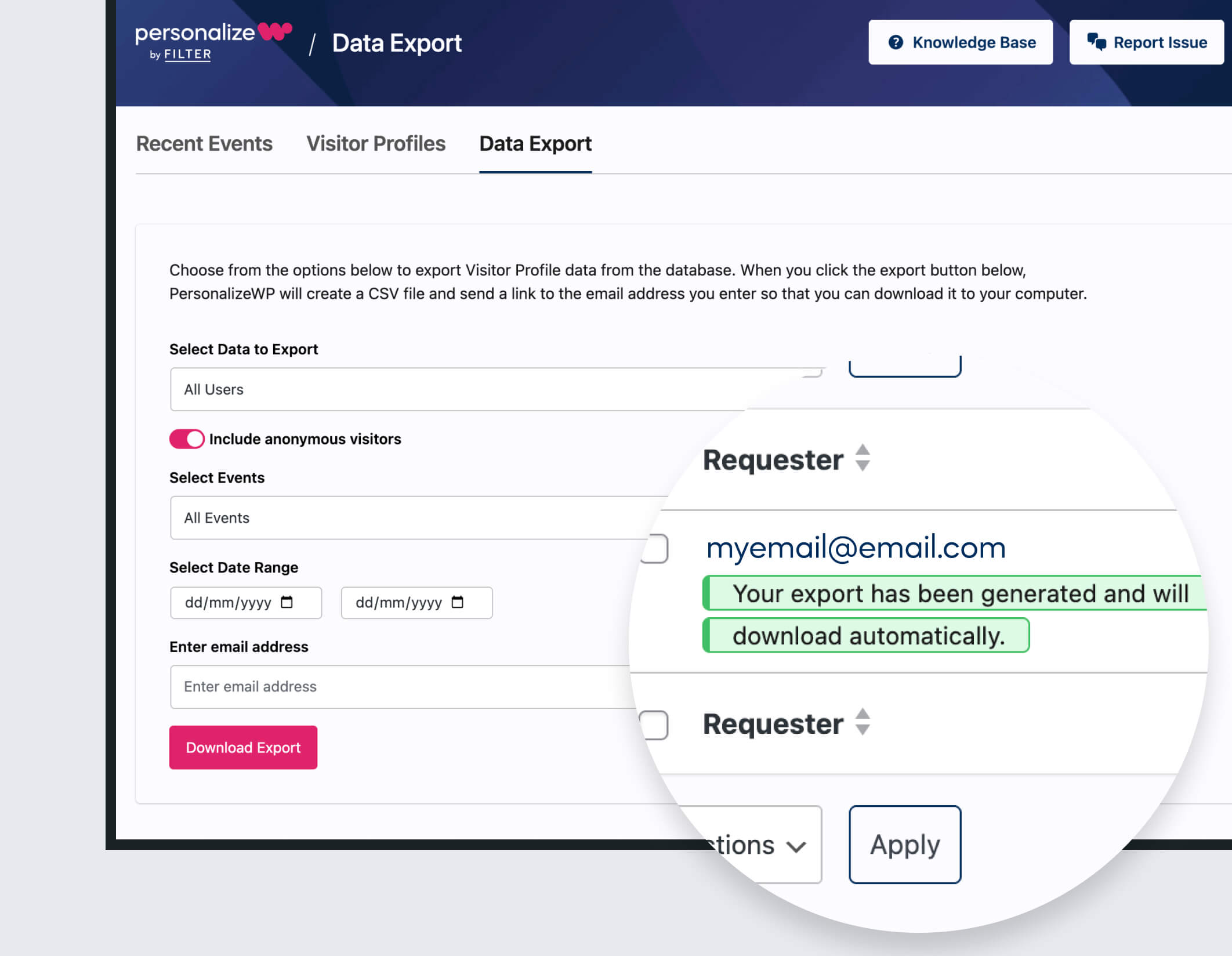
v3.5 addresses this with a rebuilt export pipeline that processes data more efficiently and handles large exports gracefully.
We’ve also updated the export notification email to clearly state when the generated export file will be deleted, so you know exactly how long you have to download it.
Unlock the Full Potential of PersonalizeWP v3.5
To take full advantage of the new geo-location service, region-level targeting and improved data exports, download the latest version, which includes advanced tools like visitor profiles, lead scoring, and audience segmentation. Not sure if it’s for you? Try an instant demo right in your browser.
For detailed guidance on implementing these new features, check out our knowledge base, where you’ll find step-by-step tutorials and real-world examples to help you get the most out of PersonalizeWP.

Founder
As the founder of PersonalizeWP and the driving force behind the plugin, Paul is responsible for the overall direction and roadmap of PersonalizeWP. He believes in the power of personalisation to improve user experiences, and talks regularly about how personalization strategies can help businesses to increased conversion and drive revenue uplift.